
Wrench Monkey Pro · the coordinator tool
The one you open when the truck is down.
Coordinator Tool
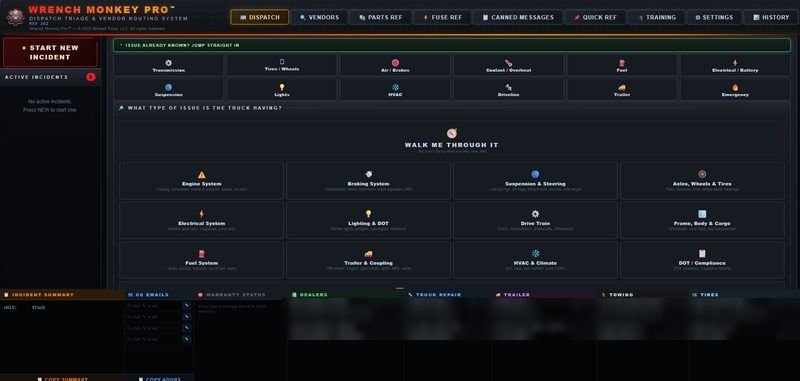
Three ways to work a breakdown, and one of them fits wherever you're at today. Whether you're just starting out, a couple of years in, or a couple of decades in, there's a triage layout built for you.
Information you can count on when the truck goes down, and support that stays on your side of the phone.
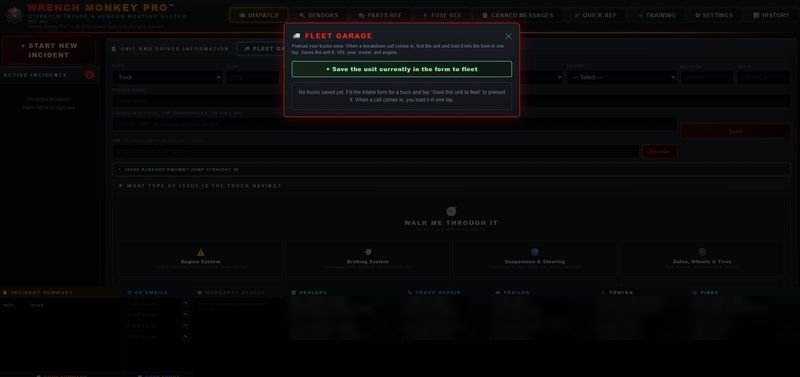
The three ways in
Our triage system meets you where you are.
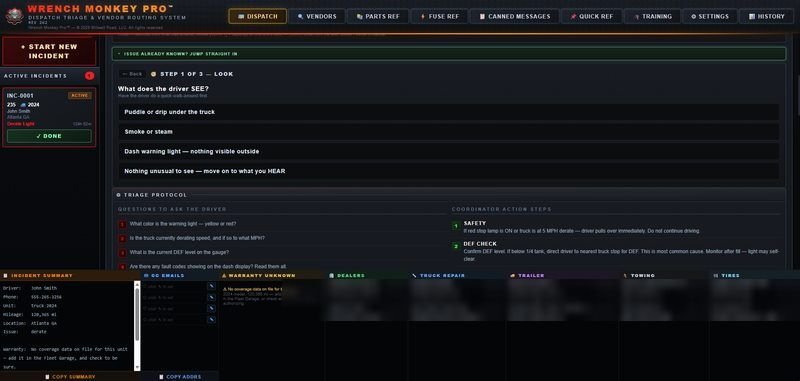
Some calls you'll know the answer to right away. Some are going to take a while to work out. Either way you're covered — the triage system puts what you need in front of you to make a clear judgment call, at any skill level.
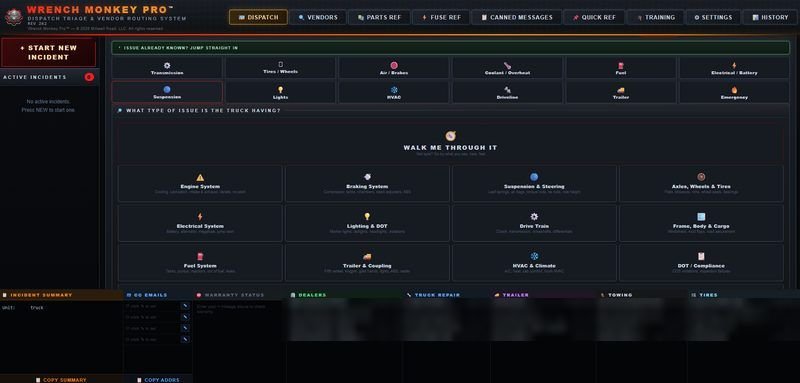
- Jump straight in
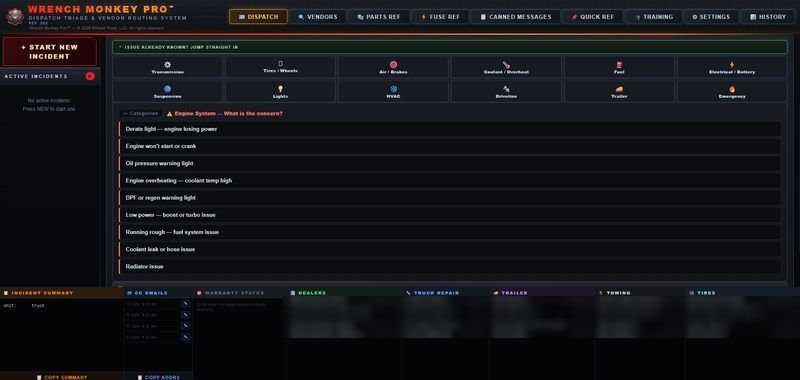
- Twelve categories for when you've got a seasoned driver on the line who already knows exactly what he's looking at. Go straight to it, get what you need, and get him back on the road. Transmission, tires and wheels, air and brakes, coolant, fuel, electrical, suspension, lights, HVAC, driveline, trailer — and an emergency tile.
- Walk me through it
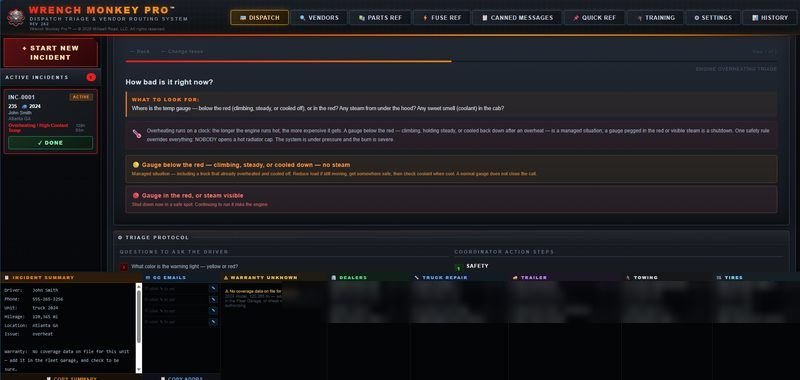
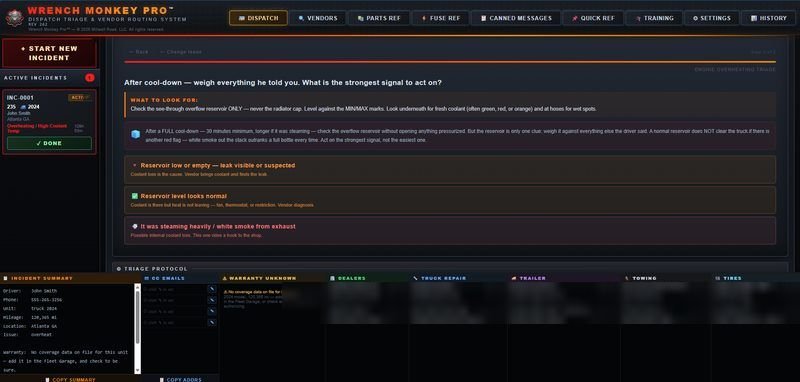
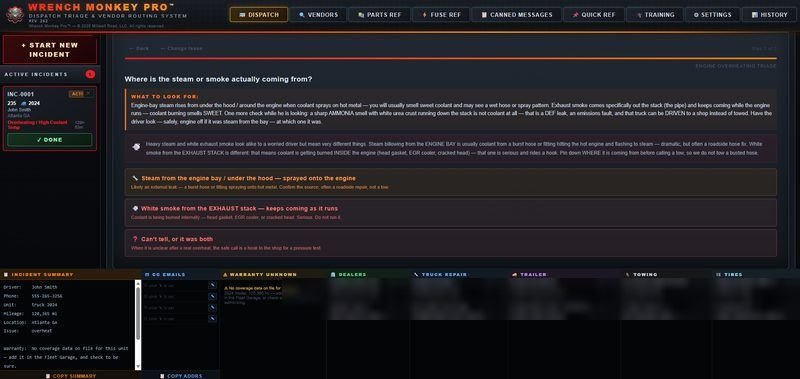
- The one for a driver who just got the keys, or a coordinator who just put the headset on. You don't need to know anything technical and there's nothing complicated about it. It's a full sensory triage system — what you can see, what you can smell, what you can hear — and it narrows things down from there. Knowing what you're dealing with early is what saves you money right out of the gate.
- The full tree
- For the times you want a broader view of the systems you're working with. Thirteen branches, engine down to compliance, with the emergency path on its own at the bottom. More choices, and more to pick up on the way through.
- All three finish the same way
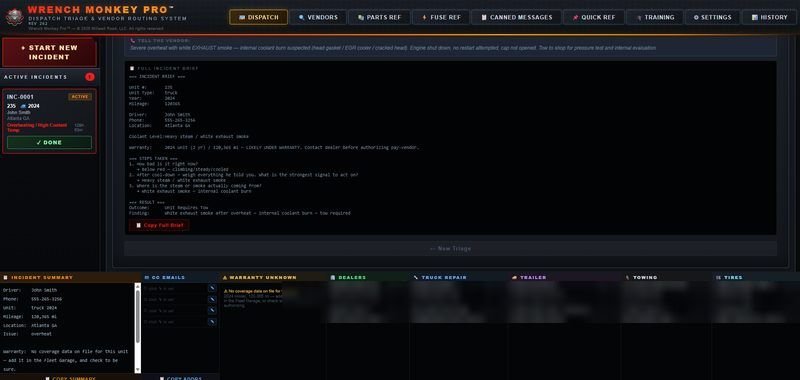
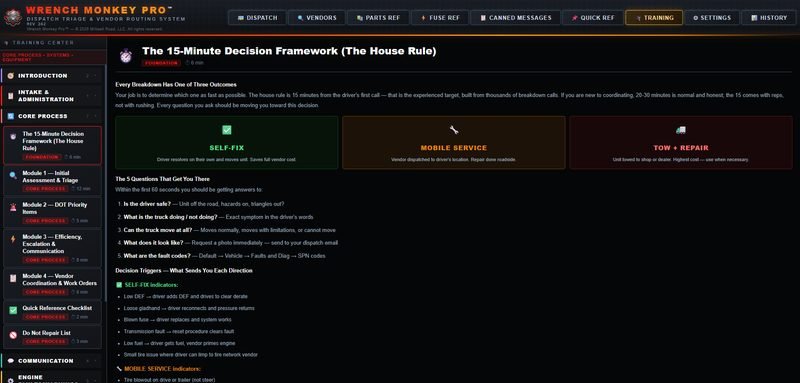
- Every conclusion ends one of three ways: the driver can handle it, a vendor needs to be sent out, or the unit needs to be towed. It's built that way on purpose. When a breakdown is happening that's not the time to speculate or diagnose — it's the time to collect the information, document it, and get it to the right people as fast as you can.
Underneath, every side of a breakdown is covered — engine no-start, cooling, air and brakes, fuel, electrical, trailer systems, tires and wheels, lighting, suspension, steering, cab and climate, glass and body, load and cargo, compliance, and the ones nobody wants: fire, smoke, unsafe on the road. Whichever way you came in, the questions are already written and waiting for you.
The vendor side
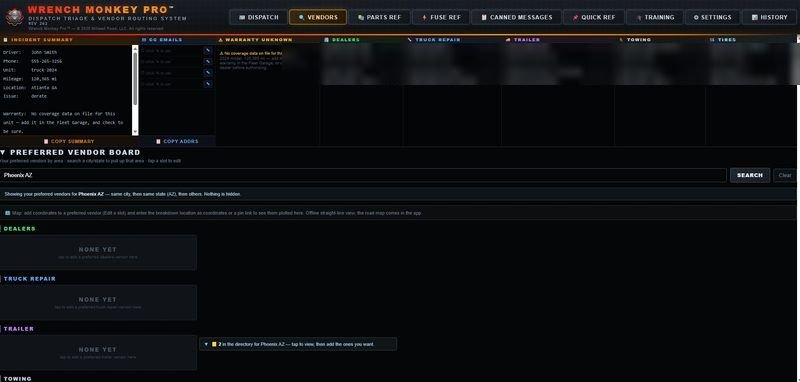
The vendors you can count on come first.
Fair price, work done right, quick to show up, and straight with you. When you find a shop like that you hang onto it — so yours sit at the top, and everybody else is underneath them.
- Yours to build
- The list is yours to fill. Put your own shops in it, keep a note of whatever you've worked out with them on price, and drop the ones that let you down. It's your list, not a list you rent.
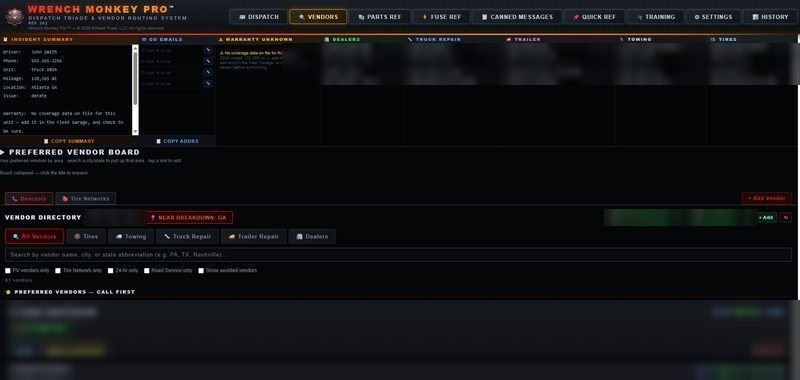
- Sorted the way you'd ask
- Dealers, truck repair, trailer, towing and tires, each on its own tab — so the trailer people aren't buried in with the tire people when you're working against the clock.
- For the night you're in the middle of nowhere
- When you go down somewhere you've never been, it connects you to the vendor-locating services you already use, so you're not staring at a blank screen at two in the morning.
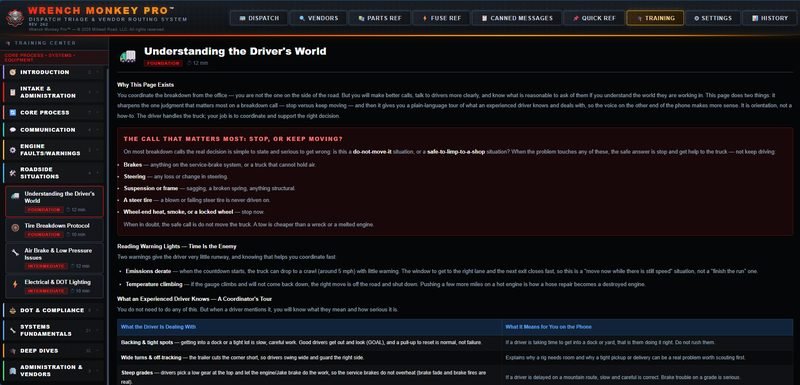
The reference
All the reference in one place.
Finally, everything in one place when you need it. Which fuse runs the marker lights, what a code means, who stocks the part — all of it sitting in the same file as the call.
- Also in there
- Engine makes, warranty schedules and parts references. The things you'd otherwise be digging through three browser tabs for while somebody sits waiting on you. They're just there, and they work with no signal.
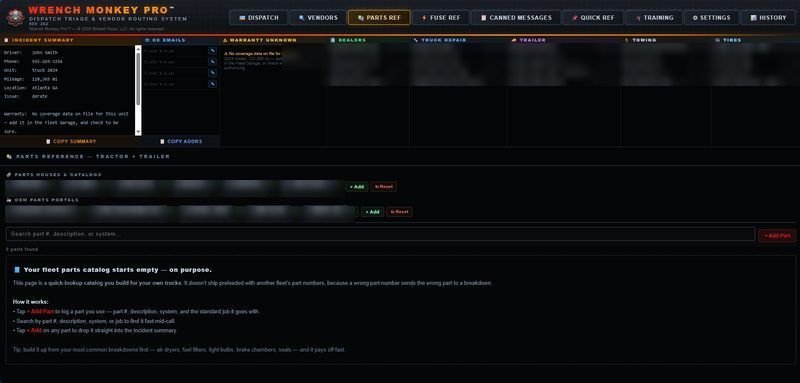
- Your own parts list
- It starts empty on purpose. You know what parts you want on your truck, and this hands you the control over that. Send the part number straight across with the breakdown information and the vendor brings the right one out with him. That's a trip he doesn't make twice and money you don't spend twice.
- Messages for the driver
- Ready-to-send messages for the problems you deal with every day. Set them up once when you've got a quiet minute, and when the call comes in it goes out in seconds. Anything that makes you quicker saves you money.
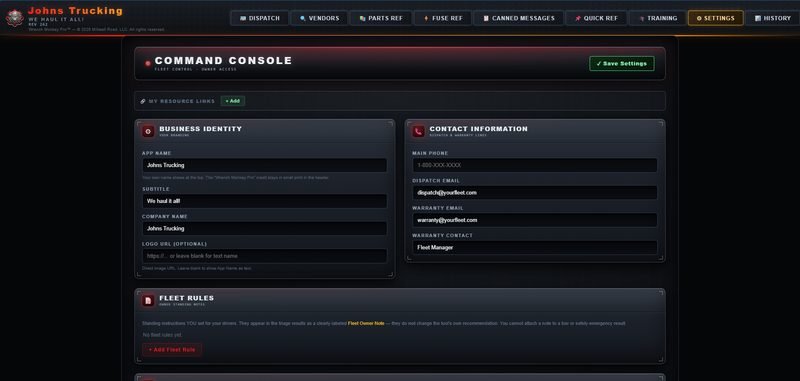
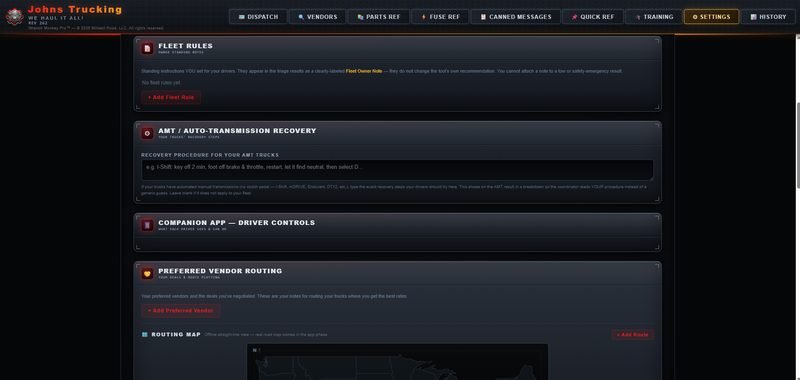
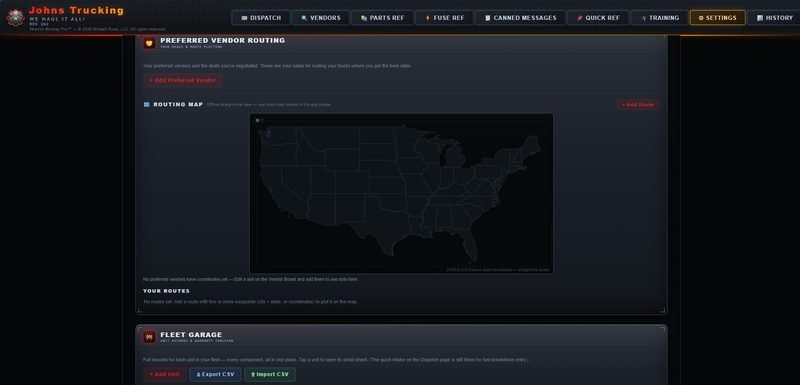
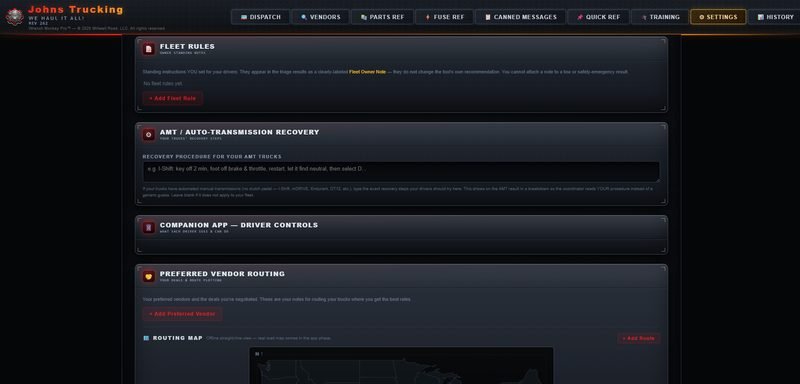
Make it yours
Make yourself at home in it.
It's your shop, so it ought to look like it. There's a console inside for changing it and you run that yourself — no form to send in and nothing to wait on.
- What changes
- Your logo and your business name stand at the top where they belong. Your tagline and your slogan nest comfortably underneath. Below all of it, in small print, one line saying what it's built on.
- What doesn't
- The triage trees and the layout. Everything else in here is yours to shape — the vendor list, the reference, your parts, your messages. Branding it changes the sign over the door, not the shop behind it.
What it remembers
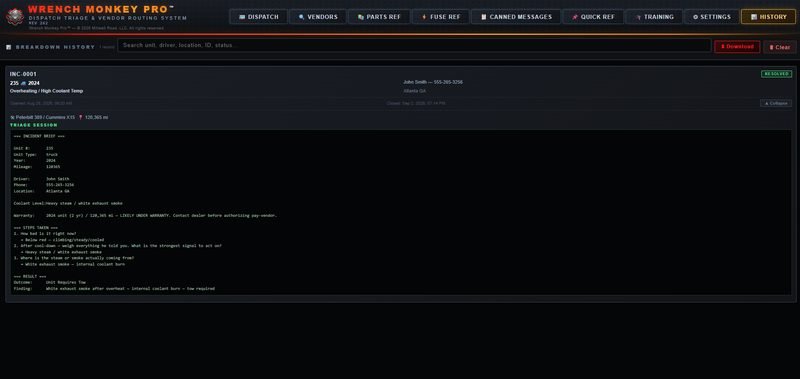
Every call you work, written down and yours to keep.
- Every breakdown worked
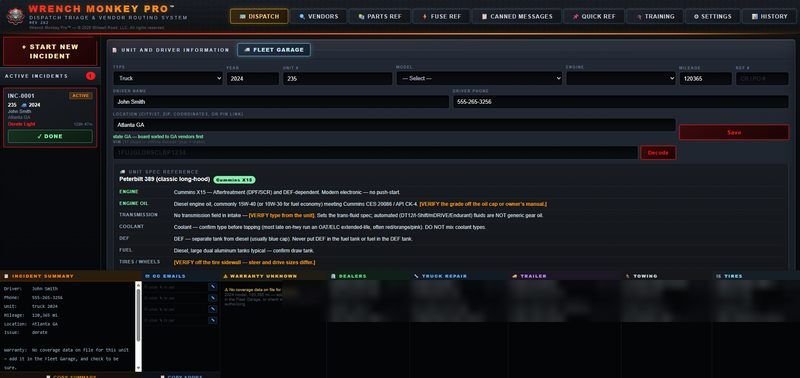
- It tracks every breakdown you work and builds an incident summary you can save and download for your own files. What happened, how it happened, and how you got to the call you made — so a year from now there's a record of it rather than a memory.
- Where it lives
- One file. No install, no account, nothing to sign up for. It opens in a browser and it works with no internet connection at all.
- Who can see it
- Nobody. Your vendors, your notes and your history sit on your own machine and never leave it. There's no tracker and no analytics, so there's nothing to collect — that's a fact about how it's built, not a policy.
- What it runs on
- A tablet or a laptop, not a phone — too much sits on screen at once. An older tablet runs it fine, and so does a laptop.
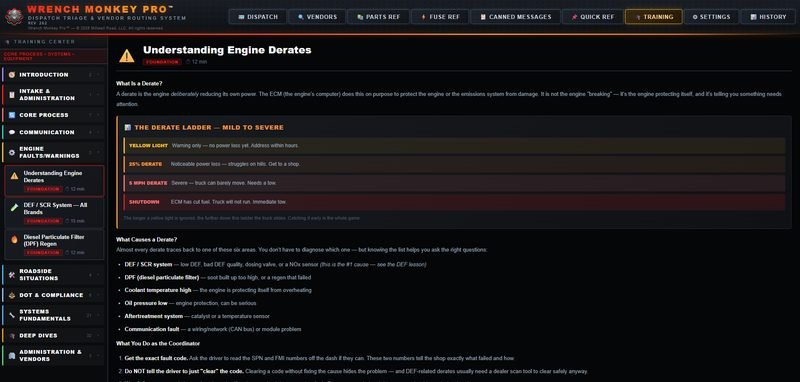
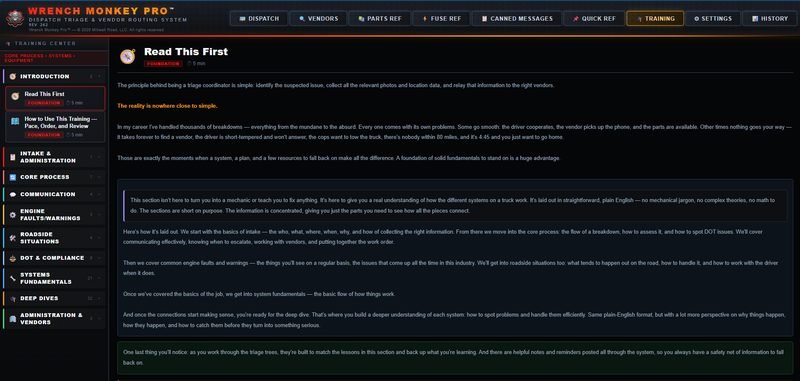
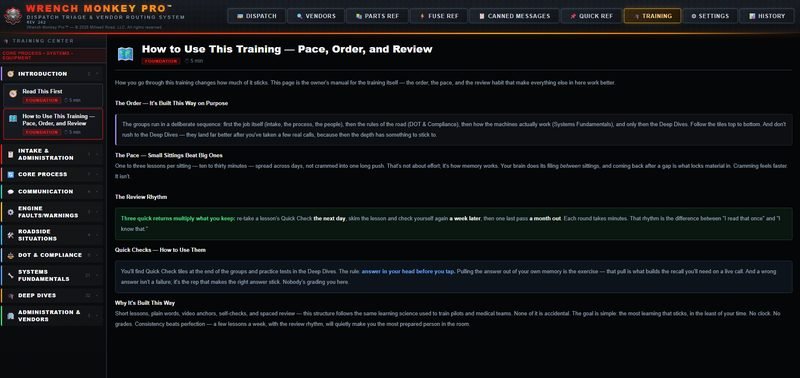
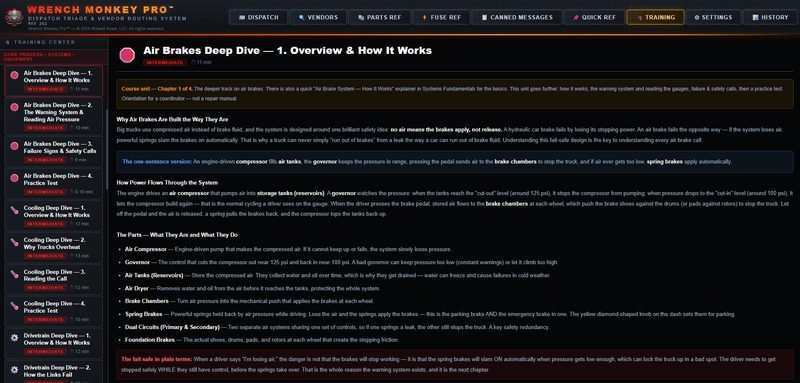
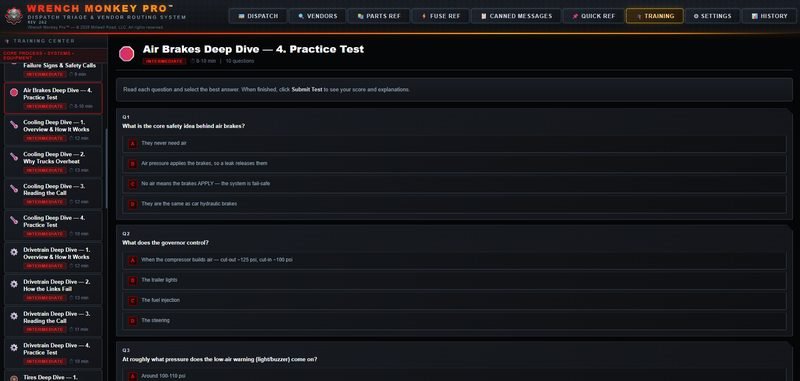
The training rides along inside this one. If you only want the training, that's its own product.