
Wrench Monkey Pro · the corporate edition
The one you hand to the new guy.
Coordinator Training: Breakdown Triage — Corporate Edition
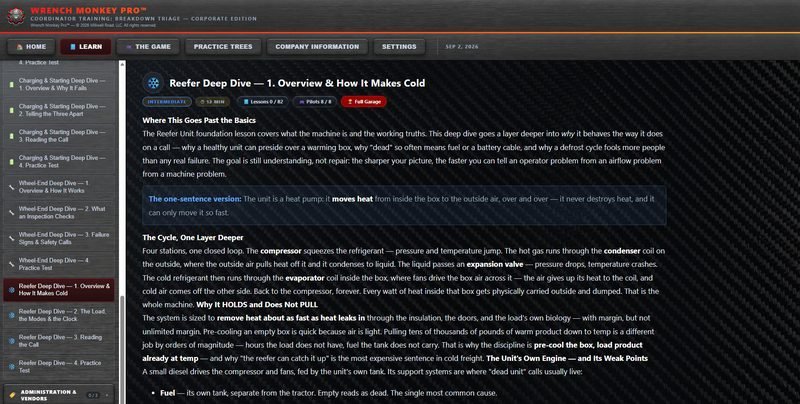
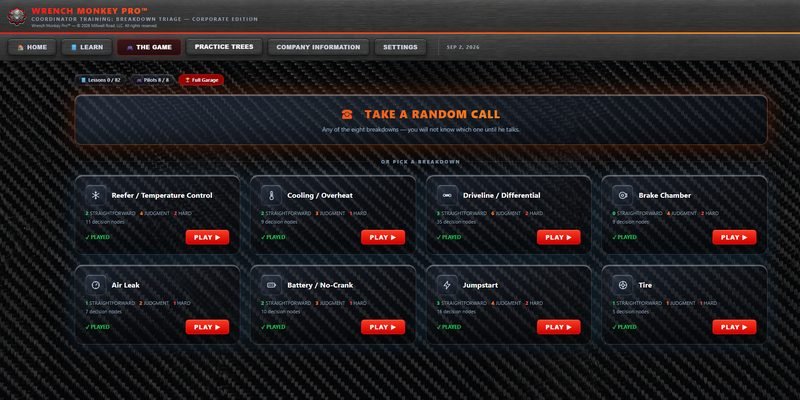
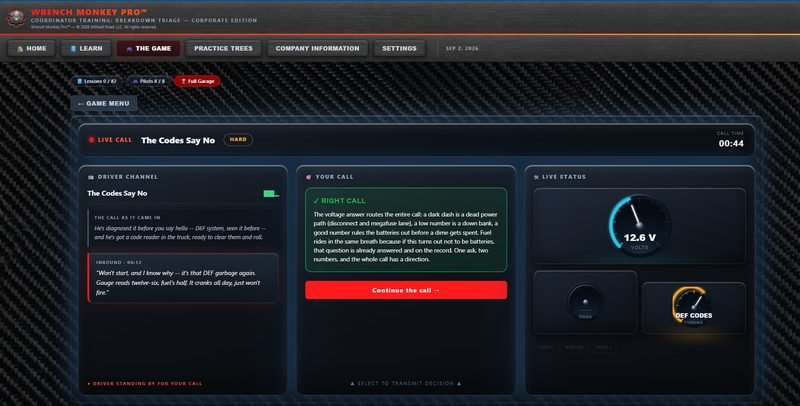
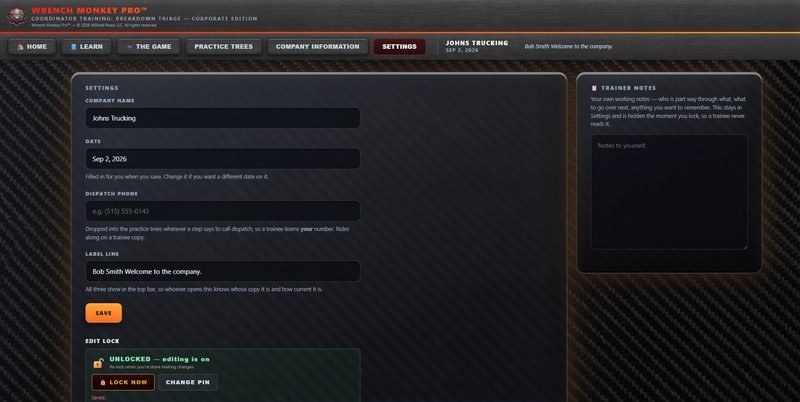
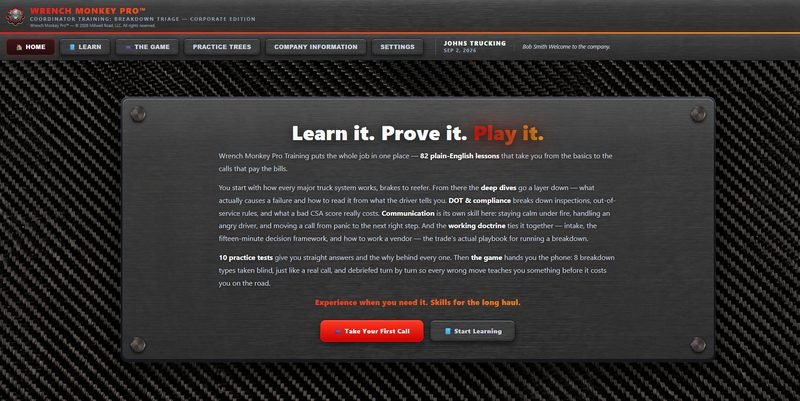
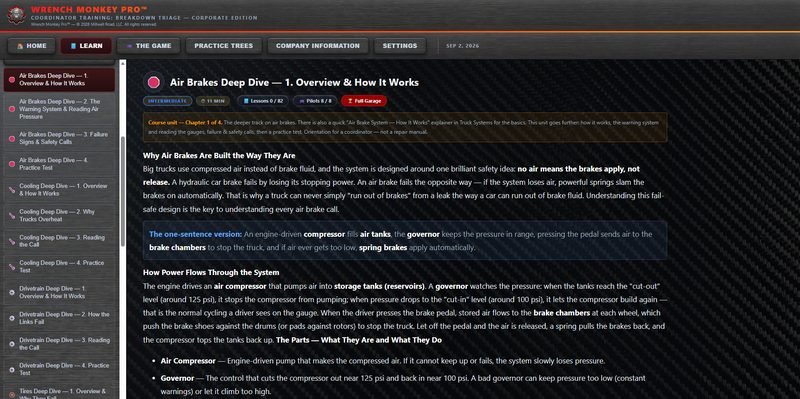
The same eighty-two lessons and the same game, plus forty-four practice trees to work them on. Your company name and the date you set it up sit in the header. Under that, a line for the trainee's name, a welcome, or a quote if you want one there.
You already know how you want a call handled. Right now that comes out of you one afternoon at a time, to one person at a time. This puts it on the copy.
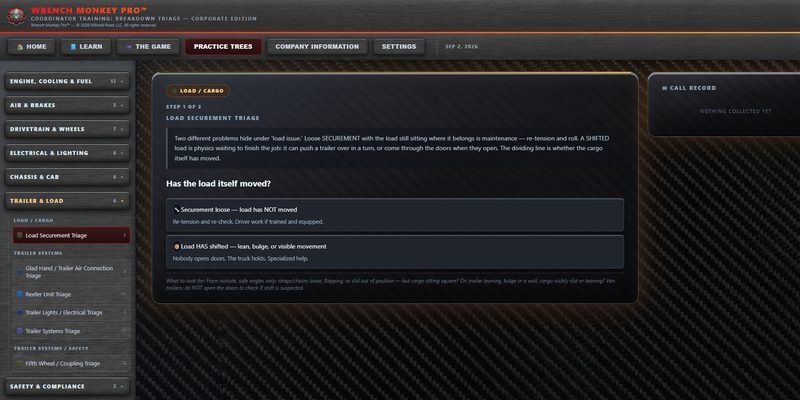
Practice trees
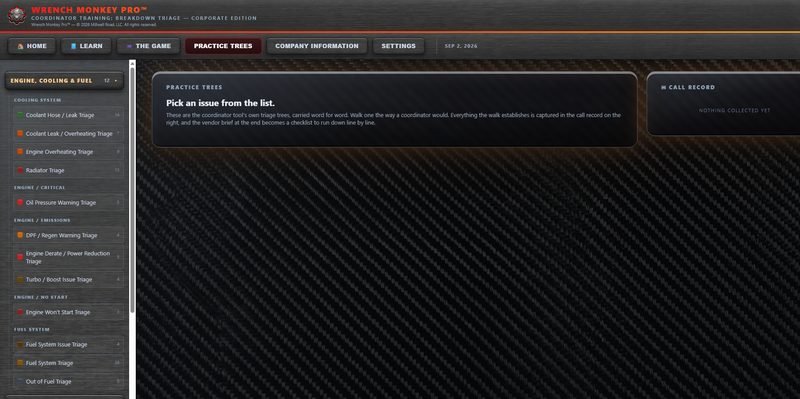
Forty-four calls to walk before taking a real one.
The lessons are the same eighty-two either edition you buy. What this one adds is somewhere to use them. Reading about a breakdown and working one aren't the same skill, and the second one is the one that gets paid for.
- What's in there
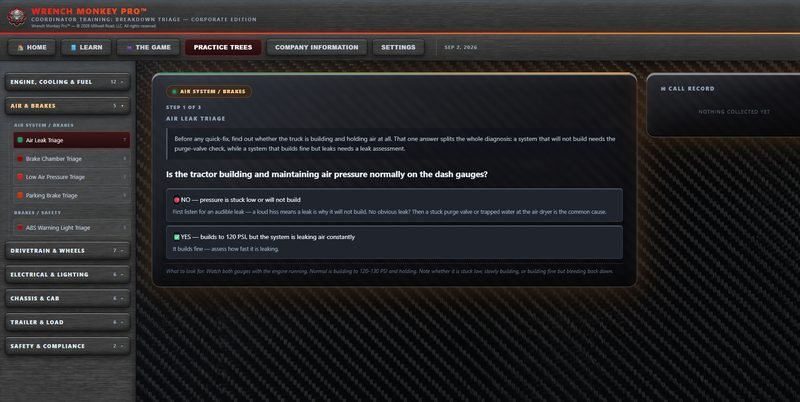
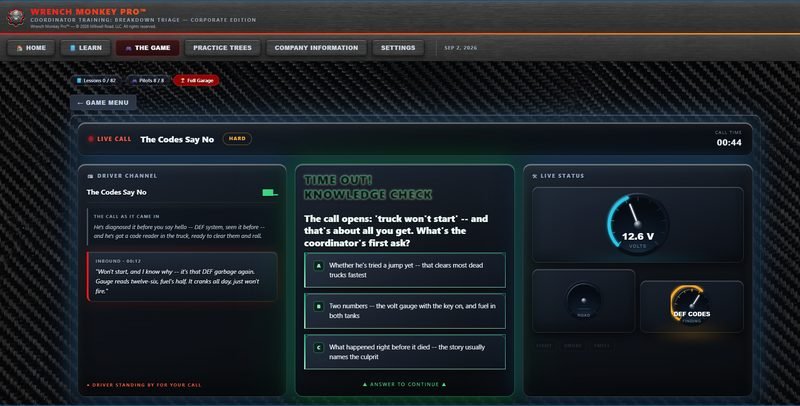
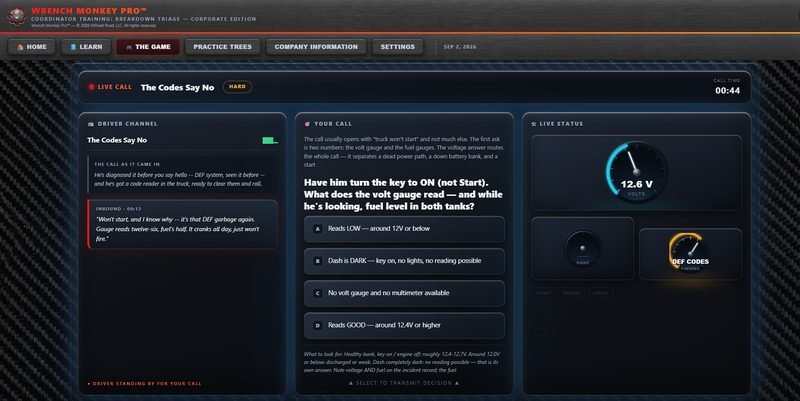
- Forty-four trees across seven groups — engine, cooling and fuel · air and brakes · drivetrain and wheels · electrical and lighting · chassis and cab · trailer and load · safety and compliance. A trainee picks one and works it a step at a time.
- It runs the way a call runs
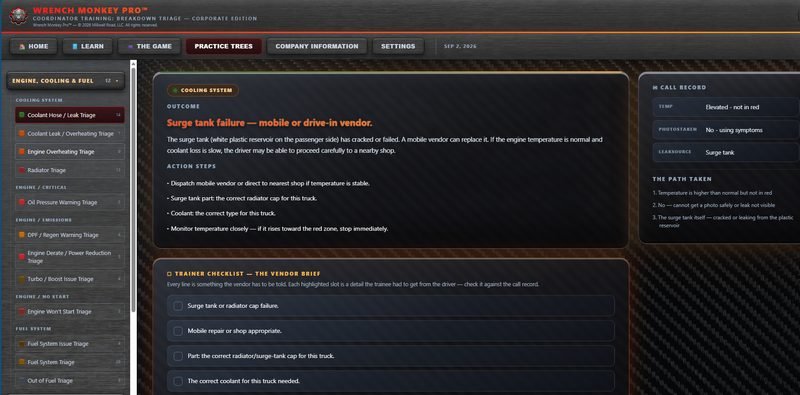
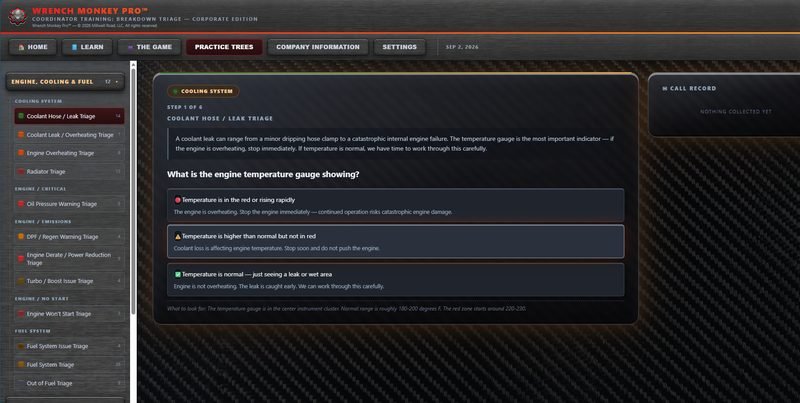
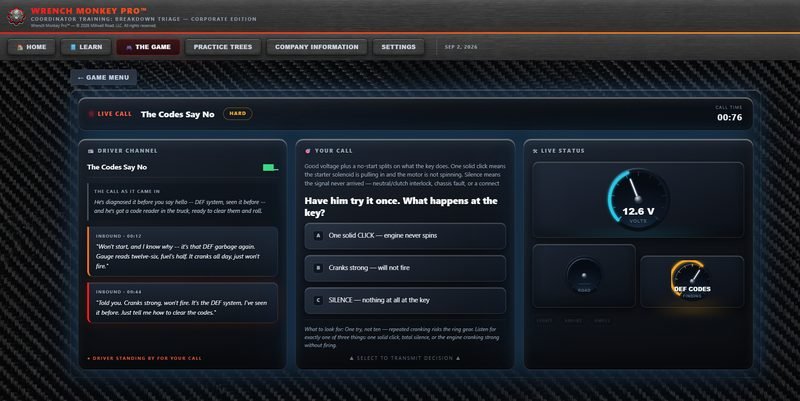
- One question at a time, and every answer says what it means before you choose it. The coolant tree opens on what the temperature gauge is showing. In the red means stop the engine now. High but not red means stop soon and don't push it. Normal means the leak got caught early and there's time to work it properly. Same three options, three completely different calls.
- It leaves a trail
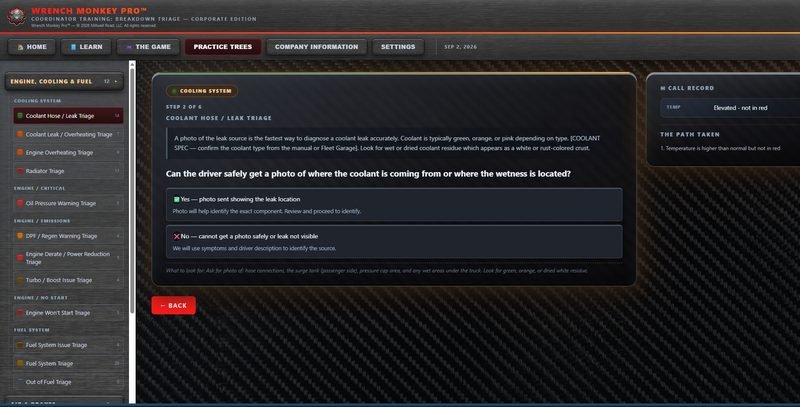
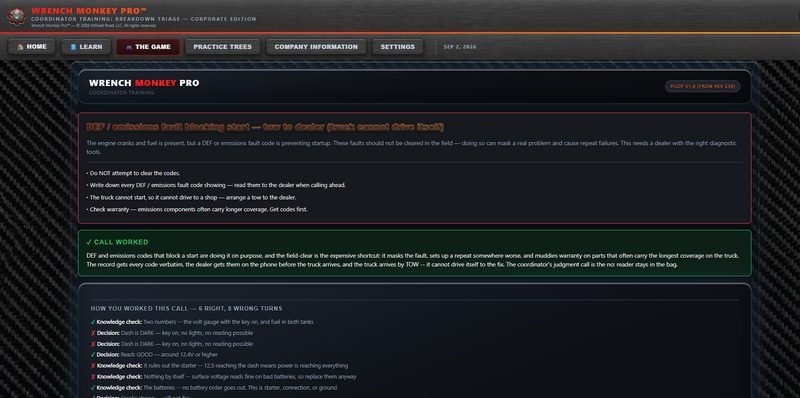
- A call record fills in beside the tree while they work, so at the end there's a written record of what they asked and where they landed. You can see how they got there, not just whether they got it right.
- Your calls, not generic ones
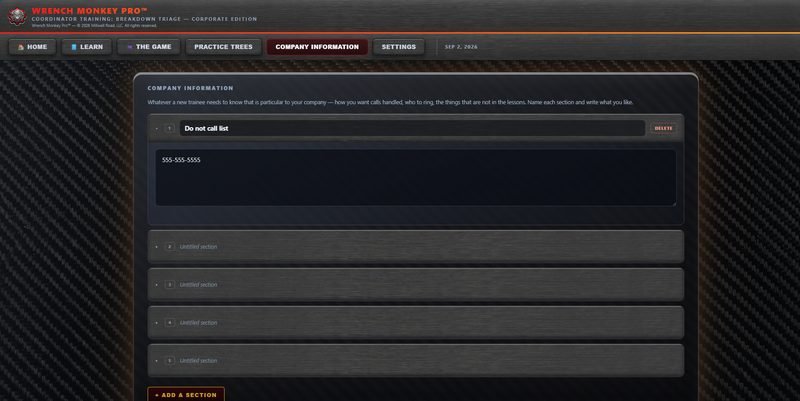
- Write up the breakdowns your people actually get and put them in your company information, then have a trainee walk each one through the trees. Your routes, your trucks, the vendors you use. There's no scenario writer inside the product. You write them the way you'd write anything else, and the trees are what they get walked through.
- It doesn't stop being useful when training ends
- The same forty-four are still there on the day a real truck goes down. Somebody who isn't sure opens the tree and lets it ask the questions.
Make it yours
The company side is yours to fill in.
A new person picks up two things at once in here: how a breakdown works, and how it works around here. The second one is usually your afternoon.
- Company information
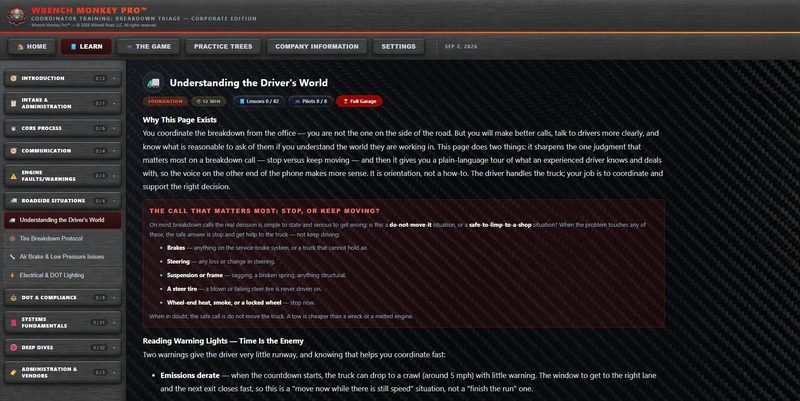
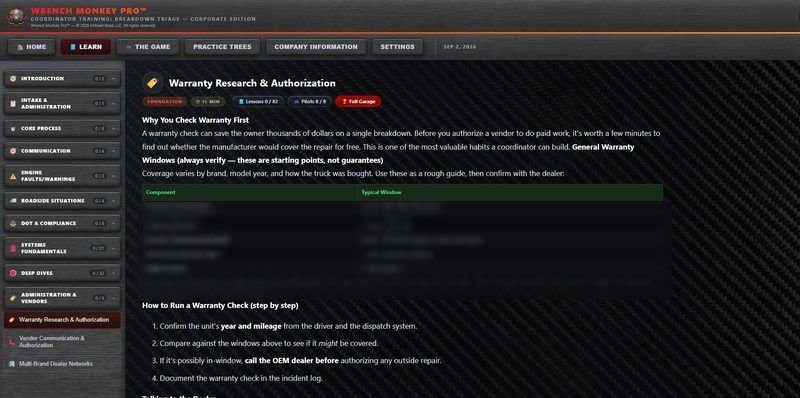
- Whatever a new person around here has to be told, you write down once. You name each section and decide what goes in it. Sections you leave blank don't appear at all, so a trainee sees only what you filled in. Not one of the prompts it comes with is about a truck: who to call and when, your tow and vendor rules, what you'll pay for without being asked, who covers nights and weekends. The things you'd end up saying out loud anyway.
- Your dispatch number
- Type your number in once and it turns up everywhere a practice step says to call dispatch. They learn the number they'll actually be dialling at two in the morning, not one somebody made up for a manual. Before you've put one in, it says ask your manager for the dispatch number. Honest, and better than a blank.
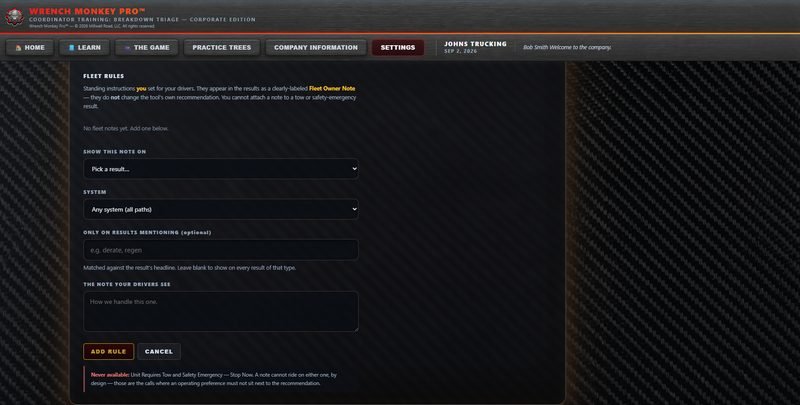
- Fleet owner notes
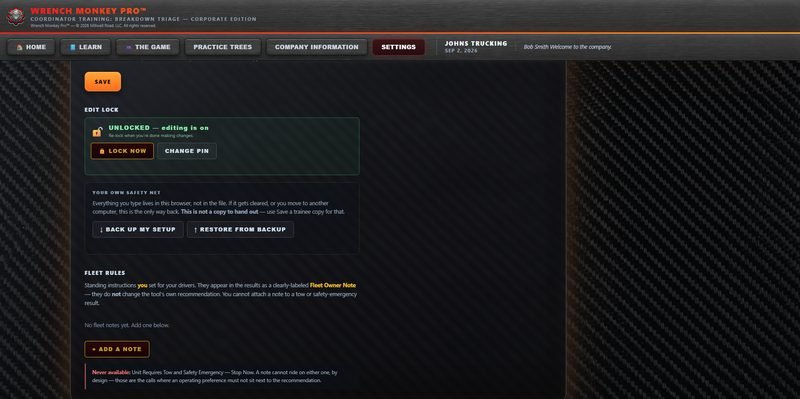
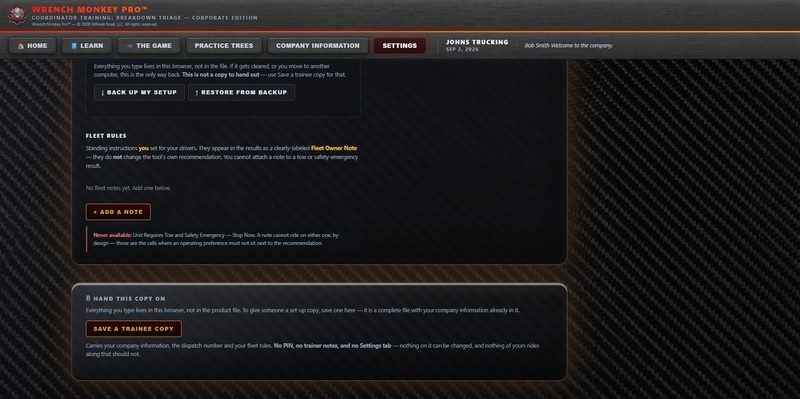
- Write down how you want a certain kind of call handled, say which kind it applies to. From then on it turns up on its own whenever somebody lands there, with your company's name on it, so there's no question whose rule it is. You can tie it to one part of the truck or leave it open and let it ride on every call of that kind.
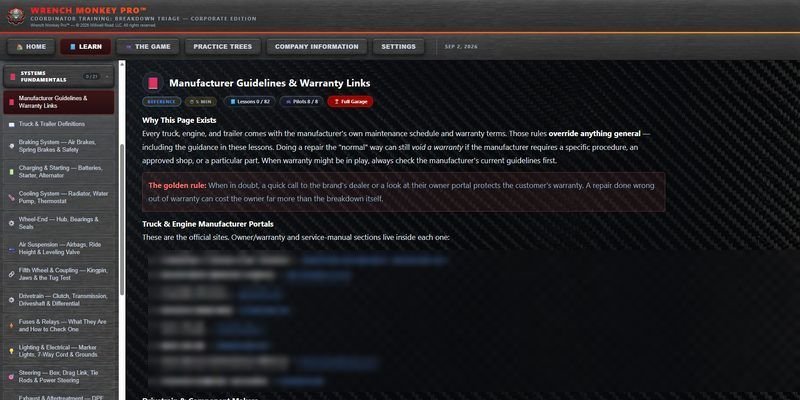
The two exceptions
Your rules ride along nearly everywhere.
Whatever you write shows up wherever it applies, on its own, with your name on it. There are two calls it stays off, and they're the two you'd keep it off yourself: when the unit needs towing, and when somebody's safety is on the line.
- Why those two
- On every other kind of call there's room to run it your way. On those two there isn't, and a standing rule sitting next to that recommendation is how somebody gets hurt. It's not a setting somebody can switch on by accident, and it can't arrive through a restored backup either. That's on purpose, and it protects you as much as it protects the man on the shoulder.
- Everywhere else, your note stands
- It sits right under what the tool recommends, and the recommendation is left exactly as written. The trainee sees both, knows which one came from you, and knows they aren't in conflict.
Safety is a priority for us, so it's the only thing here you can't write a rule around.
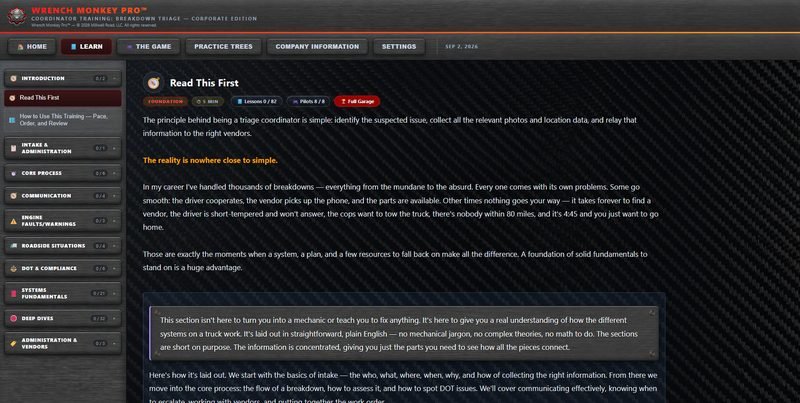
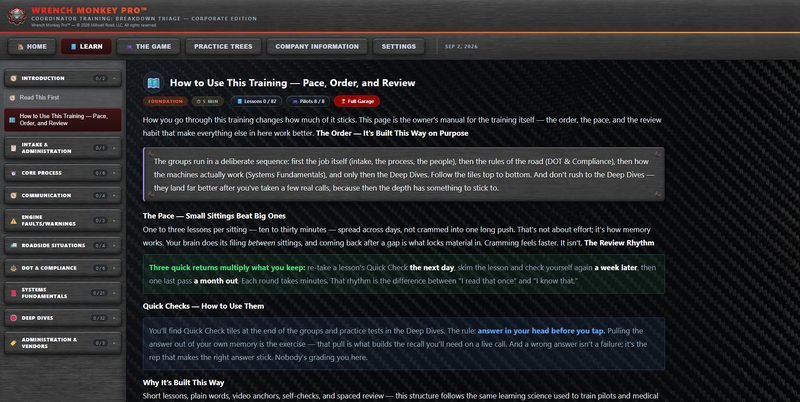
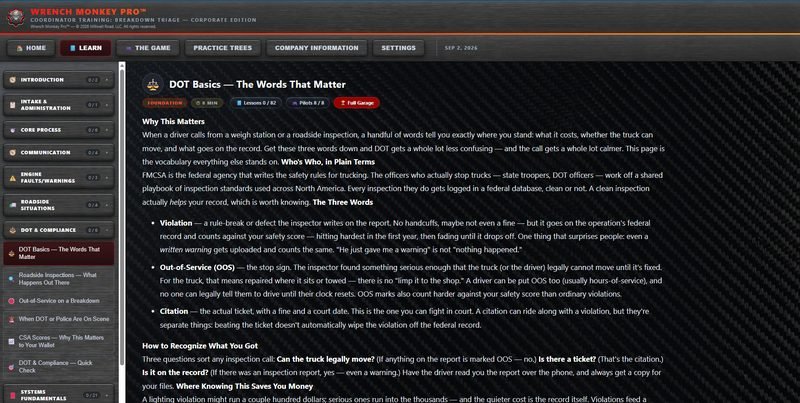
Handing it over
Set it up once, then hand out copies.
- A copy per trainee
- One button makes a complete, self-contained file with your details already inside it, named for your company and the date. Send it however you like.
- What rides along
- Your company name, the label line, every section you filled in, your dispatch number, and your standing notes.
- Notes only you see
- A box in settings for your own working notes — who's part way through what, what to go over next.
- Locking your setup
- A PIN switches editing off so the same file can go to a trainee without your setup being changed. Forgetting it isn't a disaster: a reset clears it so you can set a new one. The screen tells you plainly that this doesn't reveal the old one or get around it.
- What deliberately doesn't
- Your PIN, your private notes, the settings tab itself, and your own lesson progress. That last one took the harder road on purpose. The easy way would have carried your completed lessons across, and a trainee would have opened their copy with the training already marked done.
Before you buy it
Four things it doesn't do.
Worth knowing now rather than after.
- Nothing syncs
- There's no server, no account and no cloud. Everything you type lives in that one browser. A trainee copy is a snapshot of the moment you saved it. Changing a rule later doesn't reach copies already handed out, and re-issuing is how you push a change.
- The PIN isn't security
- It keeps a trainee from changing your setup. It isn't encryption and there are no accounts or logins behind it. Anyone telling you a file like this protects your data is selling you something.
- It won't tell you your rule is wrong
- You write the standing instructions and you're responsible for them. The product shows the recommendation beside your note and leaves the judgment where it belongs.
- Your backup isn't for handing out
- There's a separate backup so you can recover if your browser gets cleared or you change machines. It carries your PIN and your private notes, so it's your safety net rather than a copy to send anybody.
There's still a judgment call required in this process. That's not something we can teach someone to do, but we can prepare them with the proper information to help them do it.